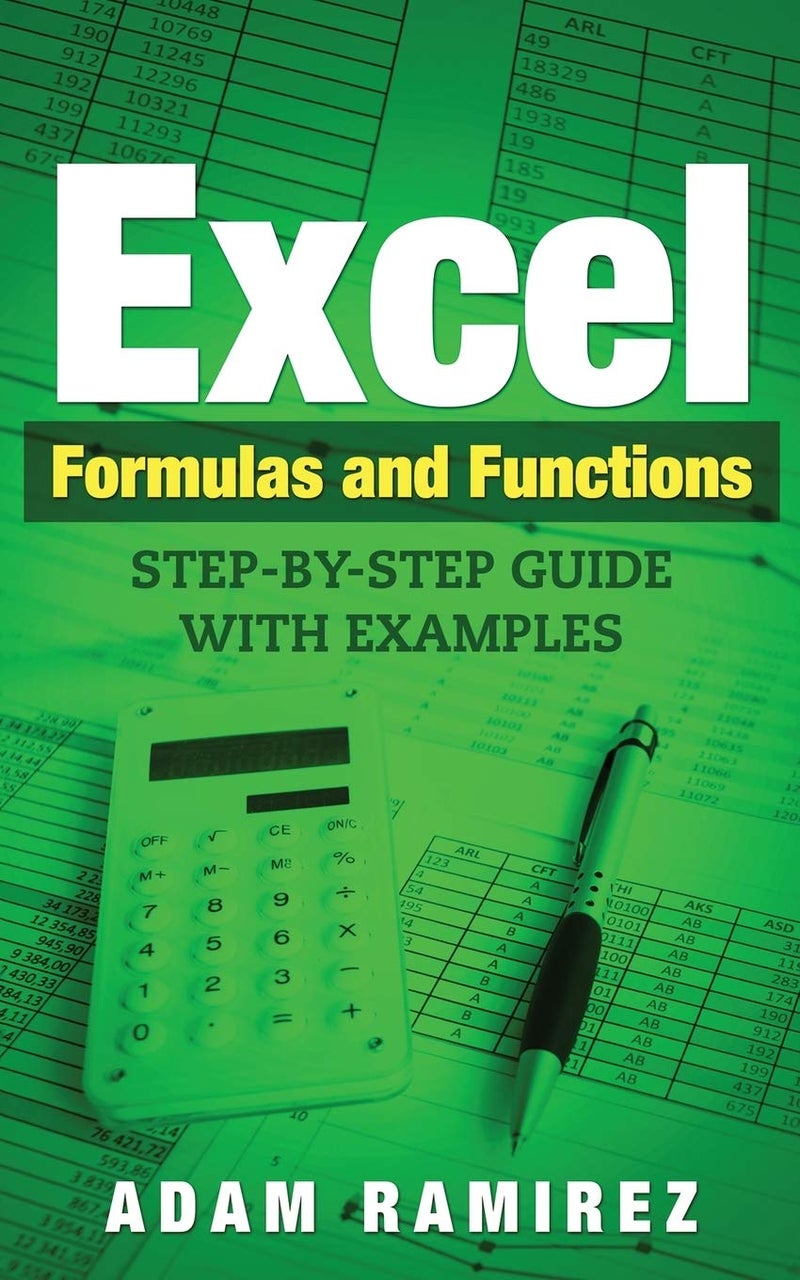
| وصف الكتاب | For many of us, Excel is nothing more than a basic spreadsheet, something we may use on the odd occasion, but for some, it is part of our daily lives. Microsoft Excel is more than just a spreadsheet; it is an essential tool for businesses. In fact, it would be fair to say that it is probably one of the most important tools that a business could have at its disposal. Some of the best uses for Excel include extracting data into charts, using it to identify problems and trends, bringing all the data together from multiple files and other sources so it's all in one easy-to-use place and much more. The basis of Excel lies in formulas and functions, used for storing data and retrieving it, for doing calculations, and for analyzing data, all in one simple grid format. It is these formulas and functions that provide the biggest headaches for inexperienced users and that is what my guide is all about - how to use them and a look at some of the most commonly used ones. Given that there are more than 400 functions alone and not much less in the way of formulas, I couldn't possibly go over every single one of them. You don't need to know them all though; Excel has a built-in Function Wizard that helps you to get the best function for what you are doing and built-in Formula Intellisense helps with formulas. Without further ado, let's immerse ourselves in the world of Excel formulas and functions. |
 استرجاع مجاني وسهل
 أفضل العروض