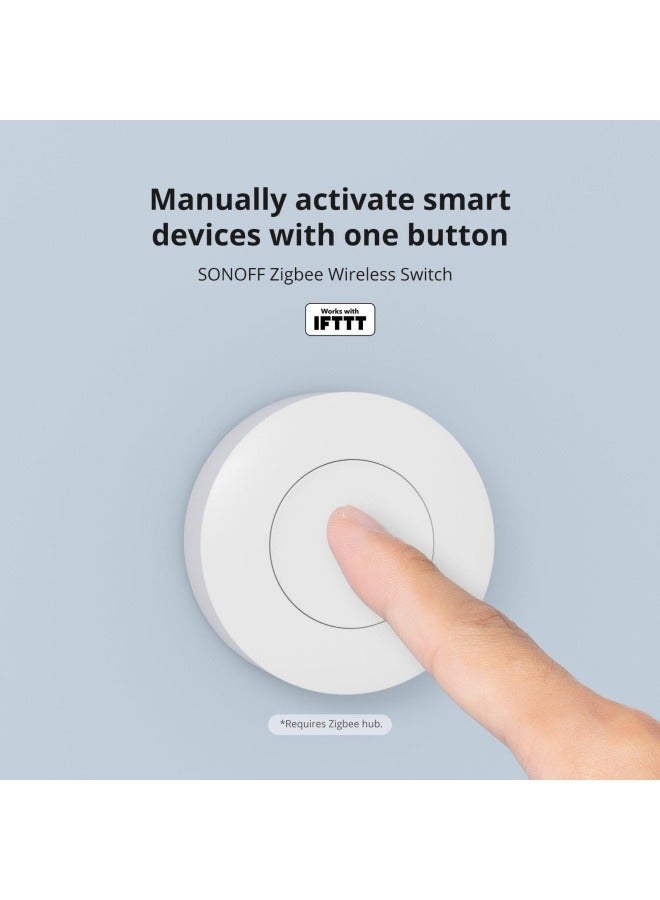
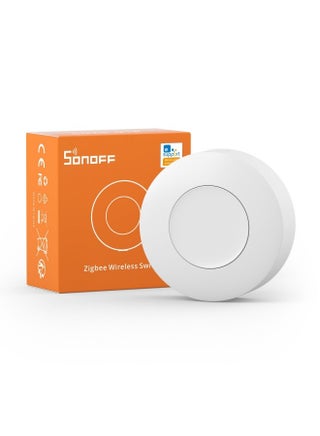
Zigbee Switch, SNZB-01P Wireless Push Button, Supports to Create Smart Scenes, Trigger The Connected Devices on eWelink APP with Three Control Options, ZigBee Bridge Required, 1Pack
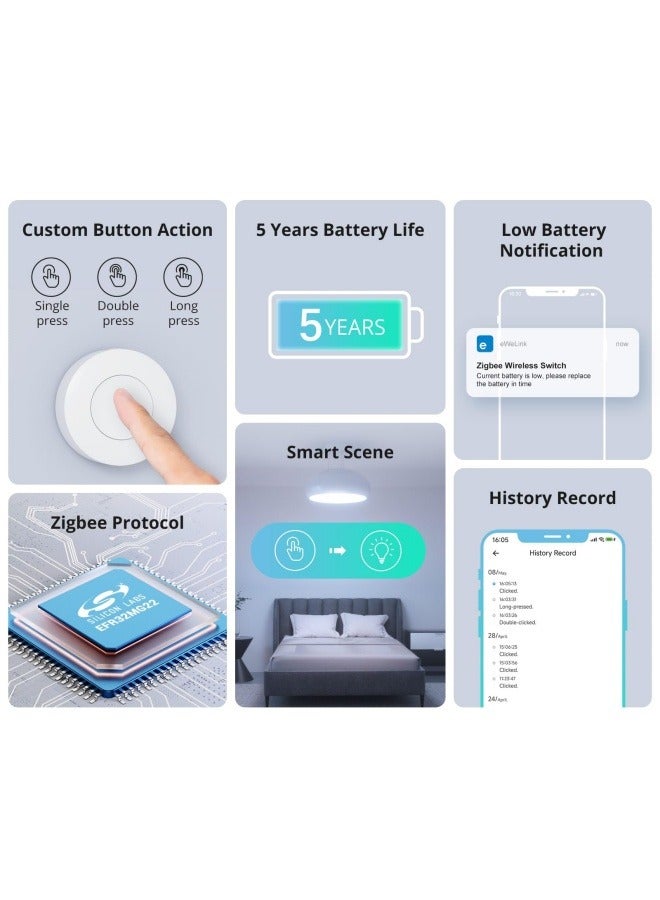
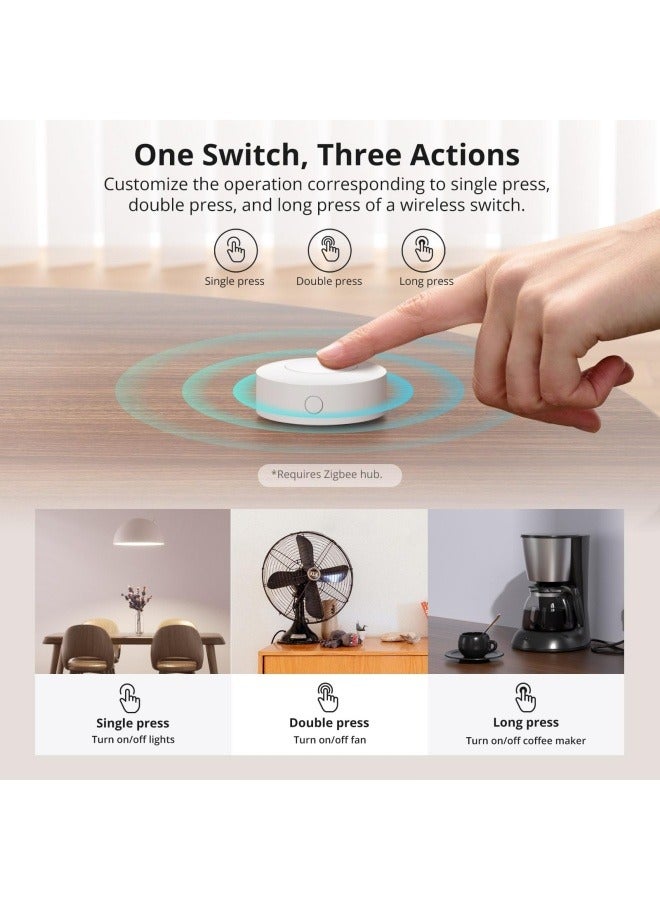
【Custom Button Action】You can customize the button actions as you want. Control multiple devices by single press, double press, and long press
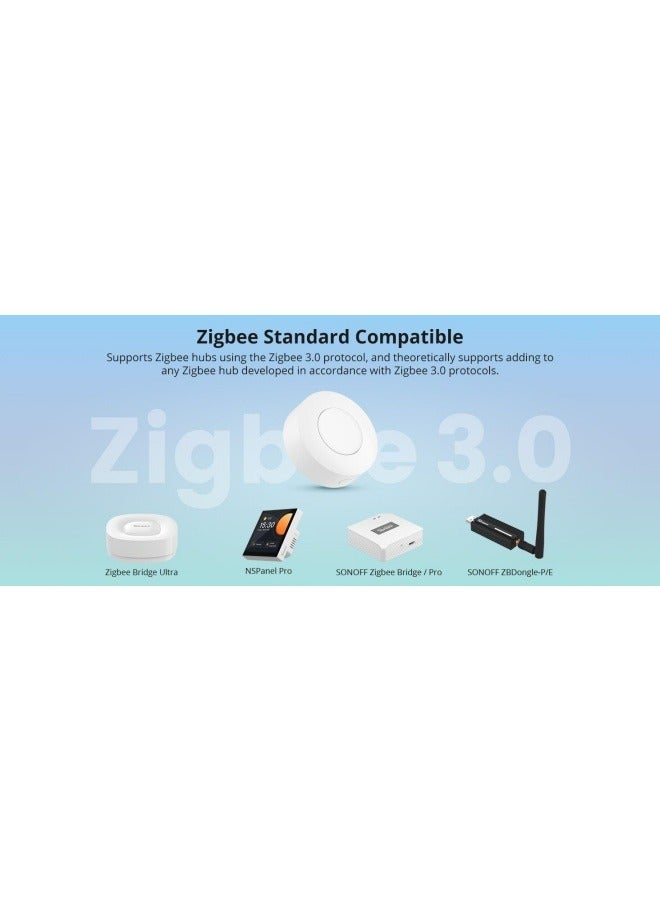
【Zigbee 3.0 Compatible】Supports Zigbee hubs using the Zigbee 3.0 protocol, and theoretically supports adding to any Zigbee hub developed in accordance with Zigbee 3.0 protocols. Like SONOFF NSPanel Pro, ZB Bridge Pro, and ZBDongle-E
【Trigger Alexa Routines】Trigger Alexa Routines with the press of the wireless switch (requires SONOFF Zigbee hub)
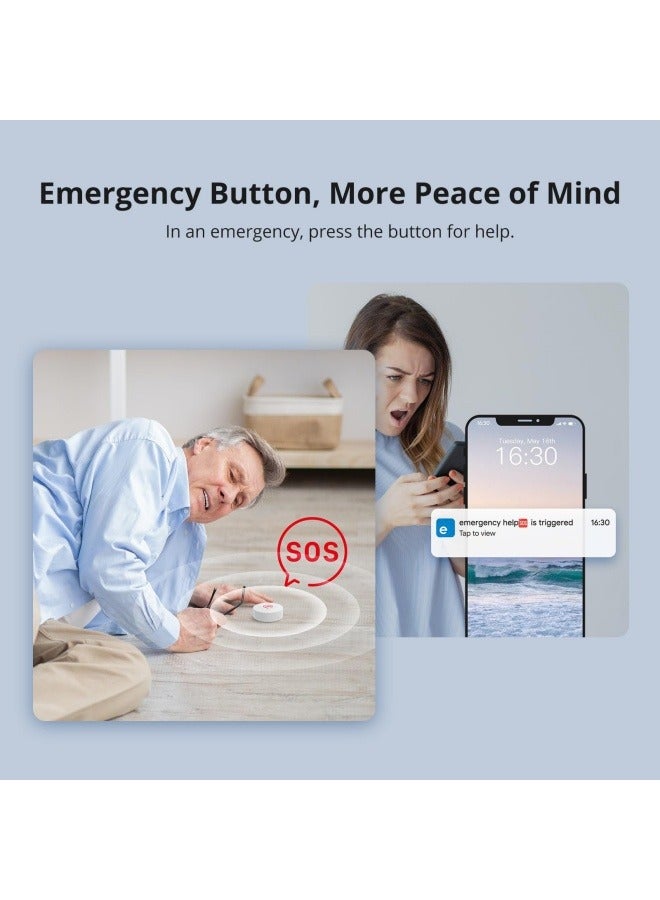
【Emergency Button】SNZB-01P can be used as an emergency button when an emergency occurs, your family can press the button to send an alert notification to your phone
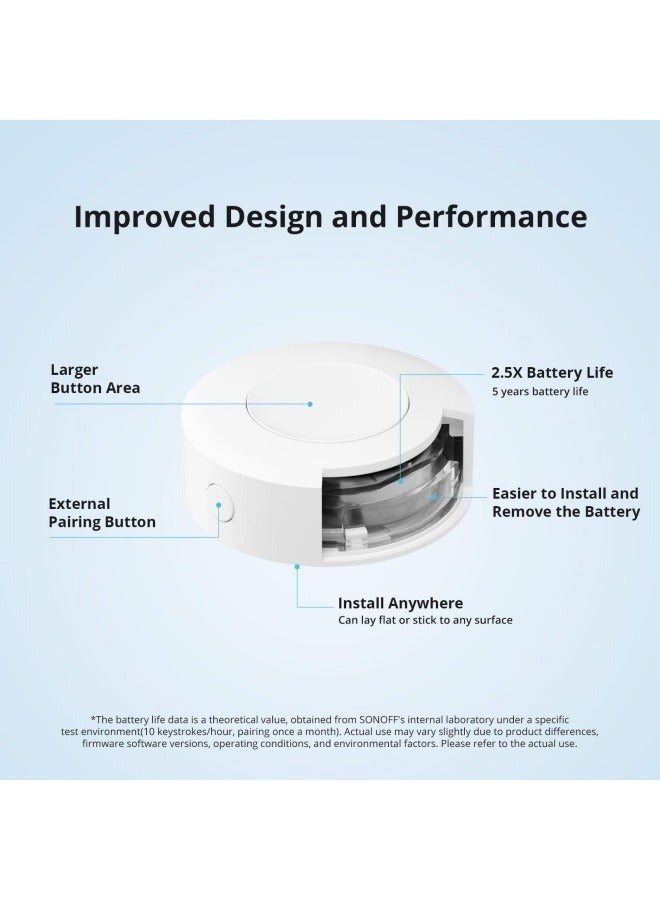
【5 Years Battery Life】Powered by a CR2477 battery. *The battery life data is obtained from SONOFF’s internal laboratory, please refer to the actual use
Specifications
Smart Functionality
Smart
Zigbee Switch, SNZB-01P Wireless Push Button, Supports to Create Smart Scenes, Trigger The Connected Devices on eWelink APP with Three Control Options, ZigBee Bridge Required, 1Pack
Sorry! This product is not available.
Available Soon
We're Always Here To Help
Reach out to us through any of these support channels
'`noon`', the 'noon device', 'noon east', 'east' and the 'east device' are trade marks or registered trade marks of Noon AD Holdings LTD. in the UAE and other countries
 Free & Easy Returns
 Best Deals