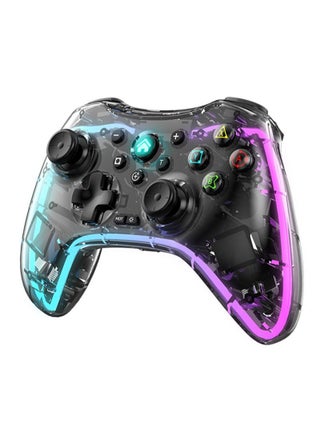
According to product reviews, here are some notes (Thank you for your purchase and feedback. Special thanks to Muhammad Ali A. for the detailed review. I have made all possible improvements and hope everyone enjoys gaming):
1.Please charge the controller before use to avoid interruption due to low battery.
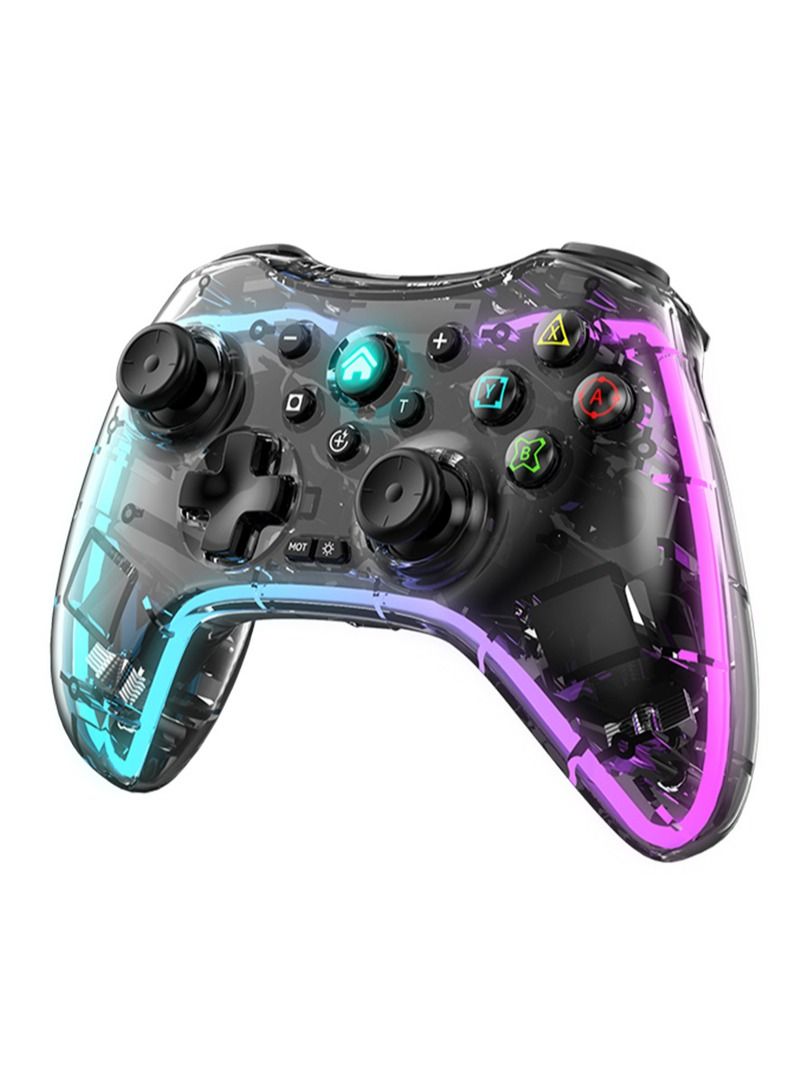
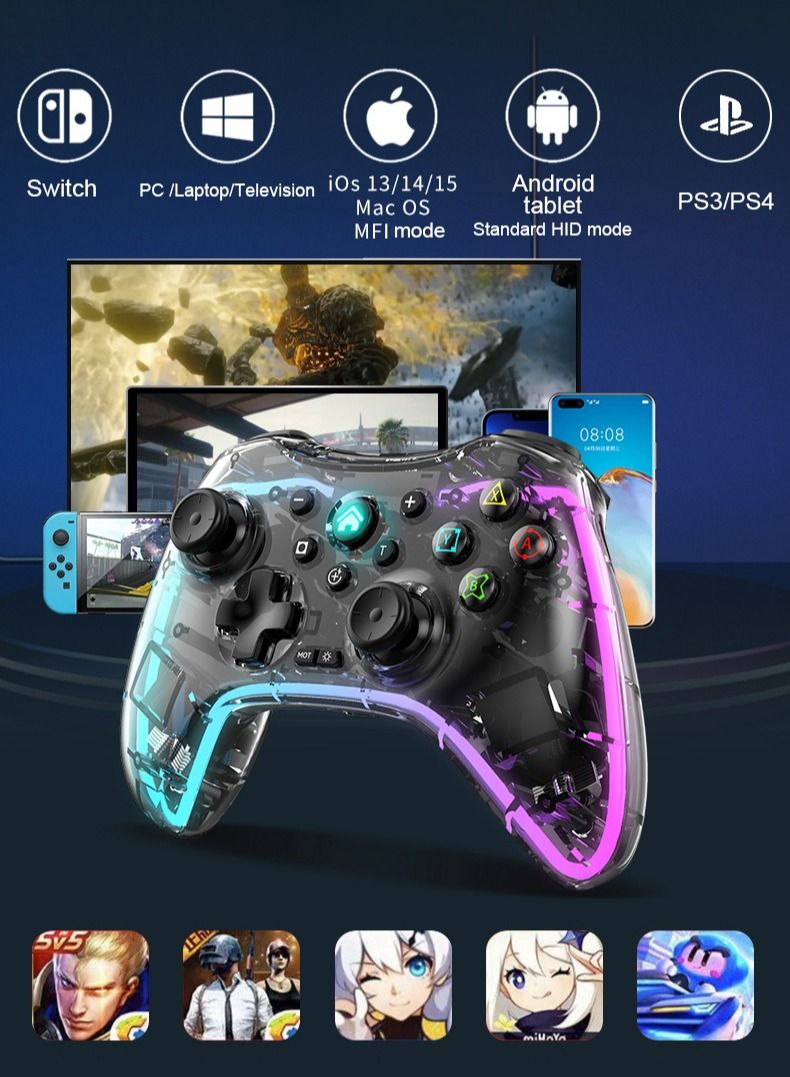
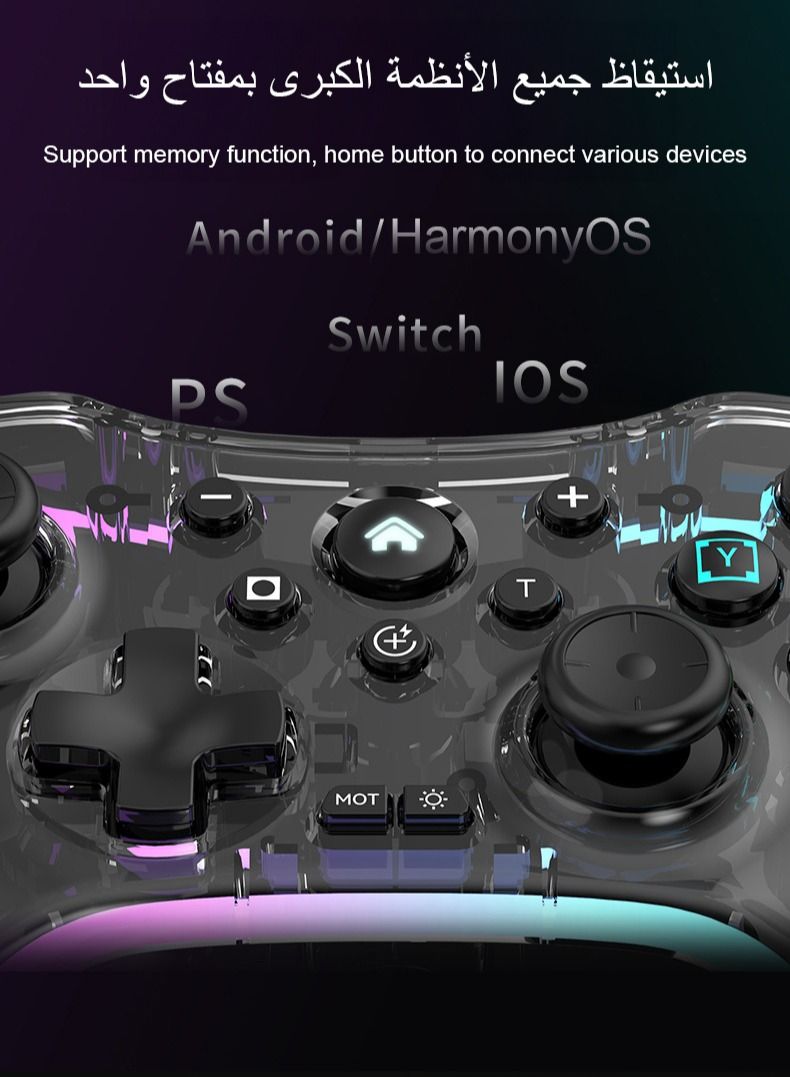
2.Each device has its own wireless connection method (compatible with different models to optimize user experience). Please follow the instructions below to connect based on your device:
a. Nintendo Switch: ZR + HOME;
b. PS3/PS4/PS5: HOME;
c. Android/HarmonyOS standard: Y + HOME;
d. Android/HarmonyOS (ShootingPlus v3) APP: B + HOME;
e. iOS Mfi/Apple Arcade: A + HOME;
f. iOS (ShootingPlus v3) App: X + HOME;
g. PC Bluetooth: R + HOME;
h. PC 2.4G: L + HOME (requires inserting the receiver into the computer, not included).
All connections require a 2-second long press. For Bluetooth mode, simply find the device in your Bluetooth settings after turning it on. However, simple Bluetooth pairing is not recommended. Connection methods are detailed in the manual; you do not need to memorize them, just understand them.
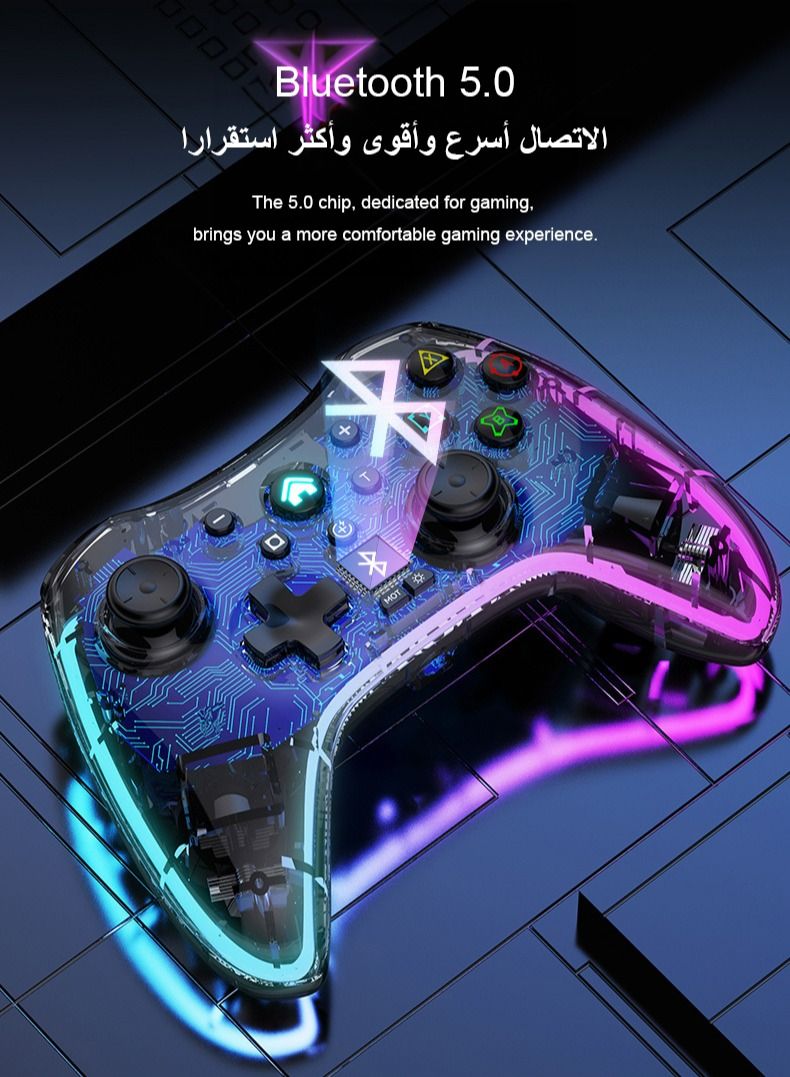
Bluetooth uses a 5.0 chip with a connection range ≤ 8m.
3.Automatic device recognition under wired connection. Press HOME for 2 seconds to switch between PC/PS mode and XBOX 360 mode.
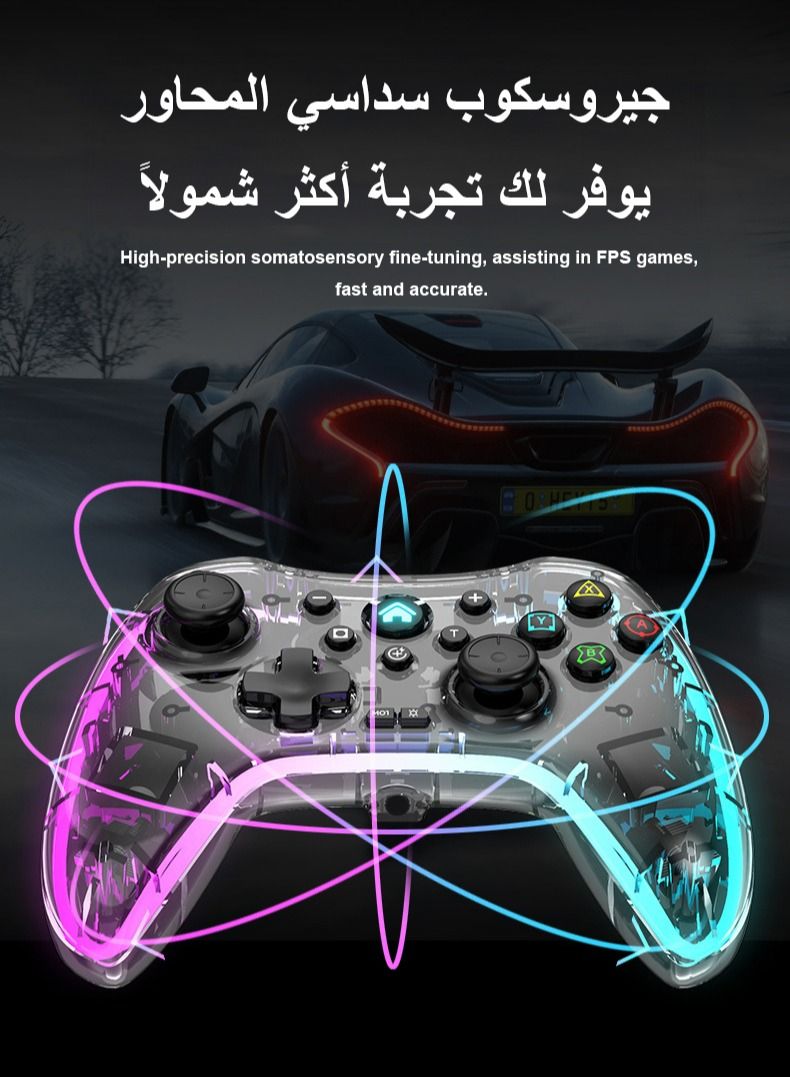
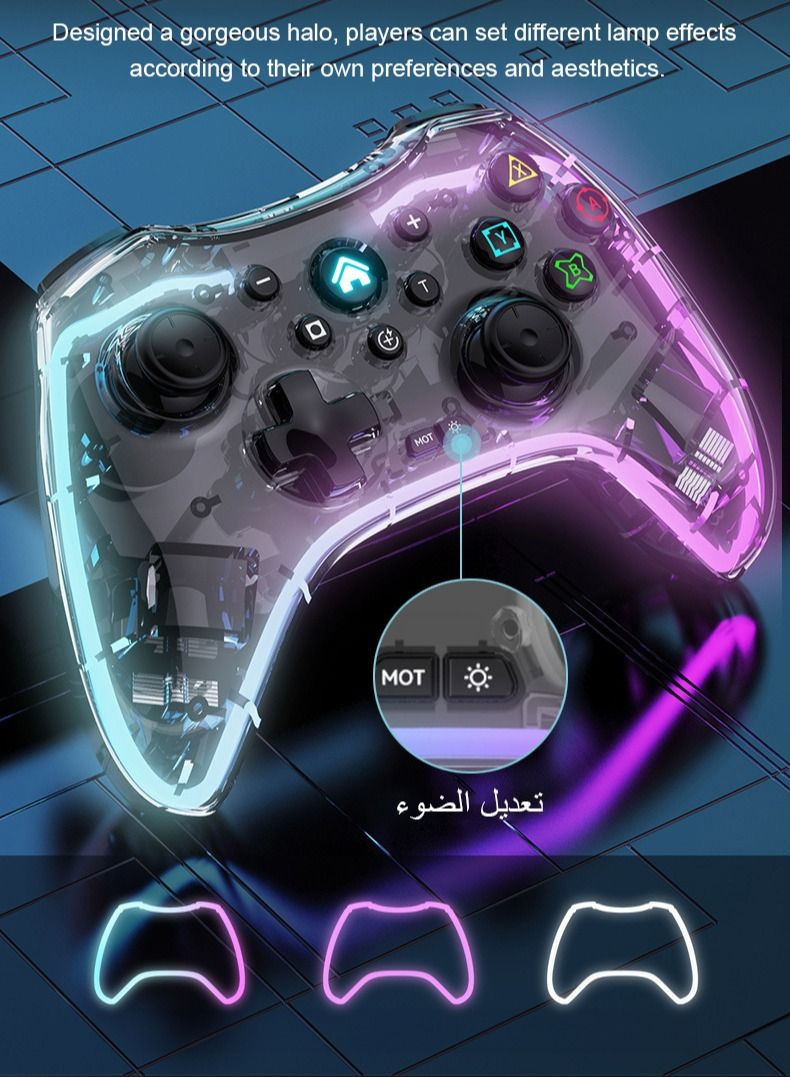
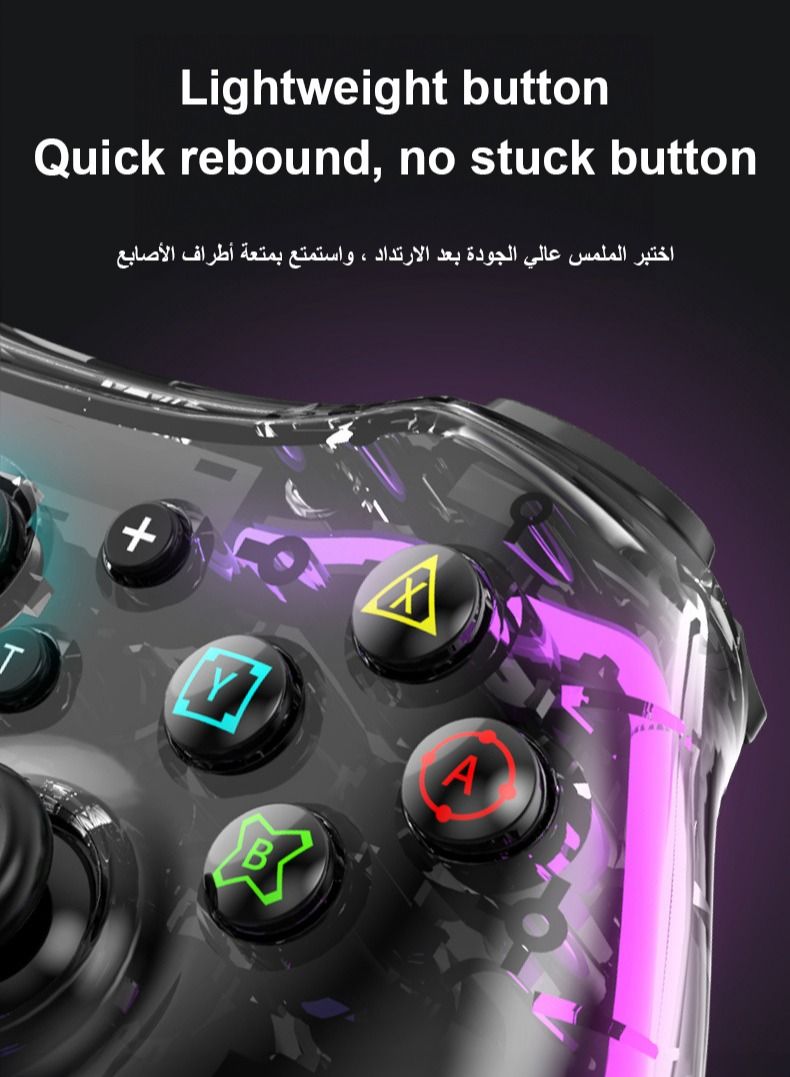
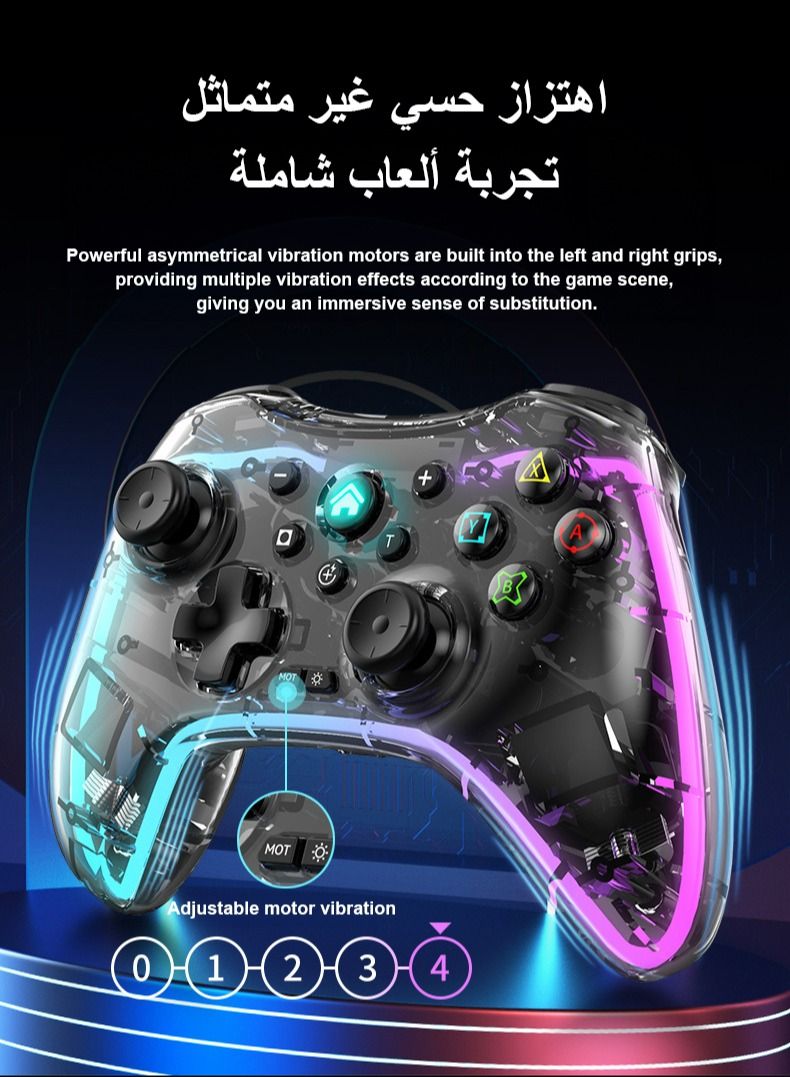
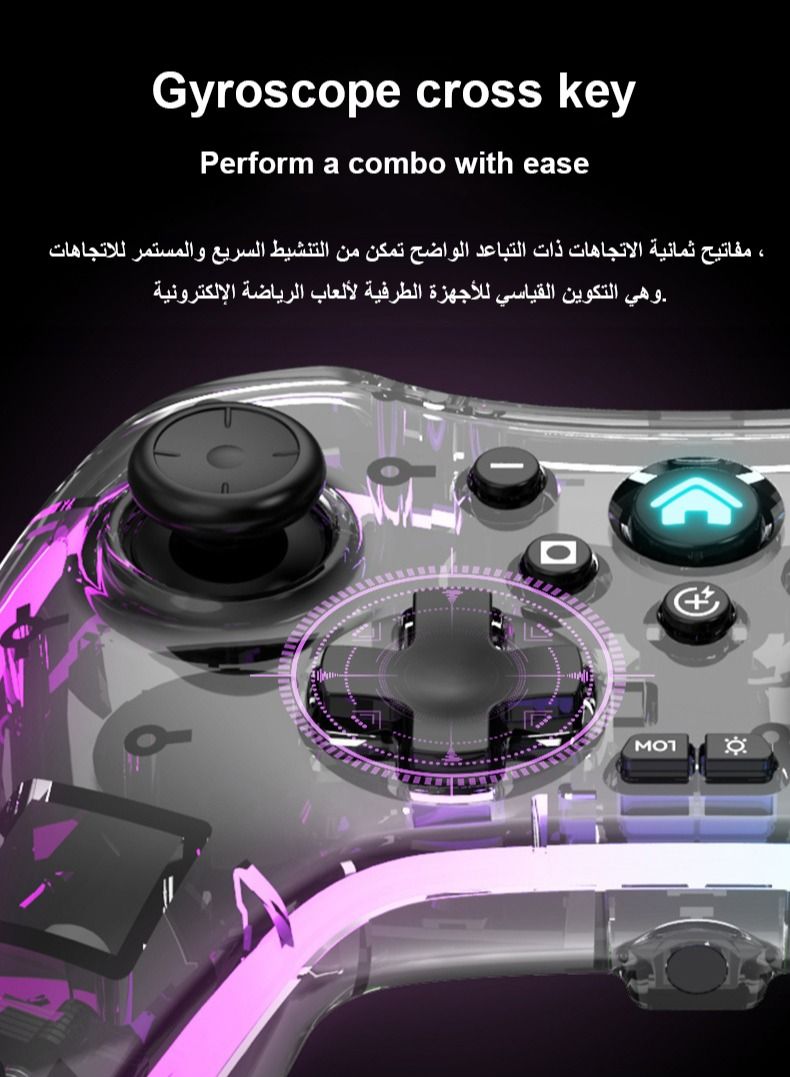
4.If the controller feels too bright or you need to use it for a short time, you can turn off the RGB lighting. The button is indicated by a sun icon and is located on the right side of the bottom middle two small buttons. Due to product size, this product is equipped with a 600mAh battery.
The battery lasts approximately 4-5 hours when using with lights on.
5.Please note that this product does not have a headphone output jack (product design is finalized and cannot be changed).
6. I translated the Arabic manual. The manual for the next batch of goods will be in English and Arabic, which will take some time to replace.
7.I have activated a two-year warranty.
 Free & Easy Returns
 Best Deals
















![/fashion-men/jack_jones/?sort[by]=popularity&sort[dir]=desc&limit=50](https://a.nooncdn.com/cms/pages/20240305/4ef48af441e2b44cea1673cd2e4aff67/en_dk-men-brands-04.png)



![/fashion-men/seventy_five/?sort[by]=popularity&sort[dir]=desc&limit=50](https://a.nooncdn.com/cms/pages/20240305/4ef48af441e2b44cea1673cd2e4aff67/en_dk-womens-new-brands-01.png)
![/fashion-men/skechers/?sort[by]=popularity&sort[dir]=desc&limit=50](https://a.nooncdn.com/cms/pages/20240305/4ef48af441e2b44cea1673cd2e4aff67/en_dk-womens-new-brands-02.png)


![/fashion-women/mango/?sort[by]=popularity&sort[dir]=desc&limit=50](https://a.nooncdn.com/cms/pages/20240305/4ef48af441e2b44cea1673cd2e4aff67/en_dk-women-brands-05.png)
![/fashion-women/guess/?sort[by]=popularity&sort[dir]=desc&limit=50](https://a.nooncdn.com/cms/pages/20240305/4ef48af441e2b44cea1673cd2e4aff67/en_dk-women-brands-09.png)


![/fashion-women/ella/?sort[by]=popularity&sort[dir]=desc&limit=50](https://a.nooncdn.com/cms/pages/20241812/en_dk-nav-brands-01.png)
![/fashion-women/skechers/?sort[by]=popularity&sort[dir]=desc&limit=50](https://a.nooncdn.com/cms/pages/20241812/en_dk-nav-brands-02.png)



![/fashion/view-all-kids-clothing/nike/?sort[by]=popularity&sort[dir]=desc&limit=50](https://a.nooncdn.com/cms/pages/20240911/nav-web/en_mb_uae_brand-01.png)
![/fashion/view-all-kids-clothing/disney/disney_minnie_mouse/disney_frozen/disney_princess/disney_mickey_mouse/disney_baby/?sort[by]=popularity&sort[dir]=desc&limit=50](https://a.nooncdn.com/cms/pages/20240911/nav-web/en_mb_uae_brand-03.png)





![/fashion/view-all-kids-clothing/new_balance/?sort[by]=popularity&sort[dir]=desc&limit=50](https://a.nooncdn.com/cms/pages/20240911/nav-web/en_mb_uae_brand-11.png)































![/baby-products/momcozy/?f[partner][]=p_9404&sort[by]=popularity&sort[dir]=desc&limit=50&page=1&isCarouselView=false&av=0](https://a.nooncdn.com/cms/pages/20241031/navrev-baby/en_uae_dk-nav-04.png)





















































![/music-movies-and-tv-shows/musical-instruments-24670/pianos-keyboards-synthesizers/roland/?sort[by]=popularity&sort[dir]=desc&limit=50&page=1&isCarouselView=false](https://f.nooncdn.com/cms/pages/20250407/books-nav/en_uae_dk-nav-brands-05.png)
![/music-movies-and-tv-shows/musical-instruments-24670/pianos-keyboards-synthesizers/mike_music/?sort[by]=popularity&sort[dir]=desc&limit=50&page=1&isCarouselView=false](https://f.nooncdn.com/cms/pages/20250407/books-nav/en_ksa_dk-nav-brands-04.png)